Creations · macOS app
GogglesView
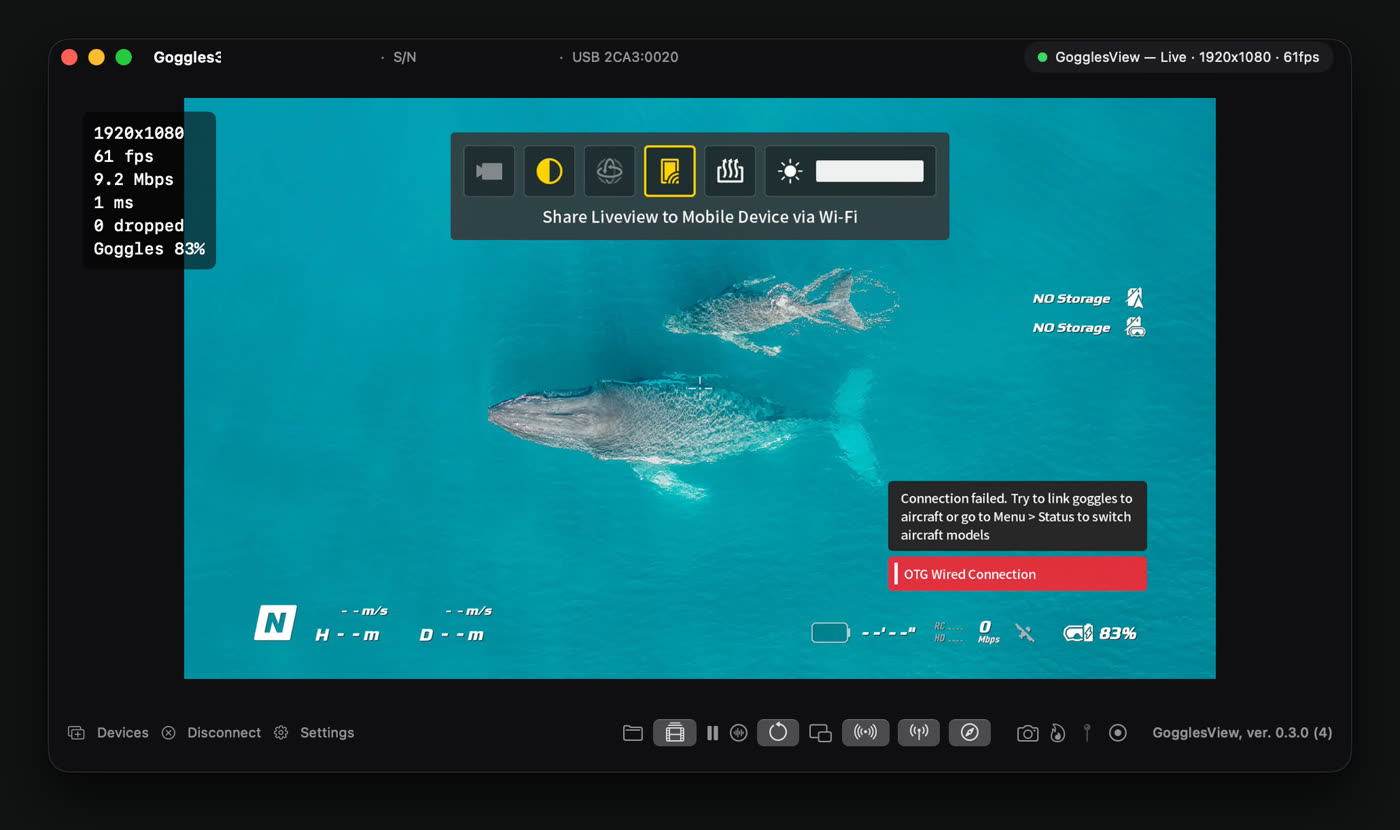
The live picture from DJI Goggles 3, on a Mac, over a single USB-C cable. No dongle, no phone, no capture card.
- 146 mscamera to screen, mean of five stopwatch readings, each good to one frame (±17 ms)
- 60 fpsfull frame rate, 1920×1080, when the goggles send it
- 24releases in 20 days, 0.1 on 3 Oct to 0.12.0 on 22 Oct 2026
- 342commits, all mine
Why it exists
The Goggles 3 show what the drone sees, but DJI gives no API for getting that picture onto a computer, to record it, put it into OBS or stream it.
They do have a USB-C port and an “OTG Wired Connection to Computer” switch, and I wanted to know what came out of it.
The hard part
It started as a Python prototype, which stayed the reference for every protocol detail in the Swift app. What it established on the real goggles:
- USB device
2CA3:0020with 8 interfacesTwo of them are a network adapter (RNDIS). macOS sees it but never brings the link up, so the OS can't be used. - A network driver written in userspace, over libusbThat brings the link up: the goggles answer at 192.168.60.2.
- A 48-byte UDP packet to port 9003Starts the video: H.264, 1920×1080, High Profile.
- A random session id per connectionA fixed one breaks video on reconnect. That was a real bug.
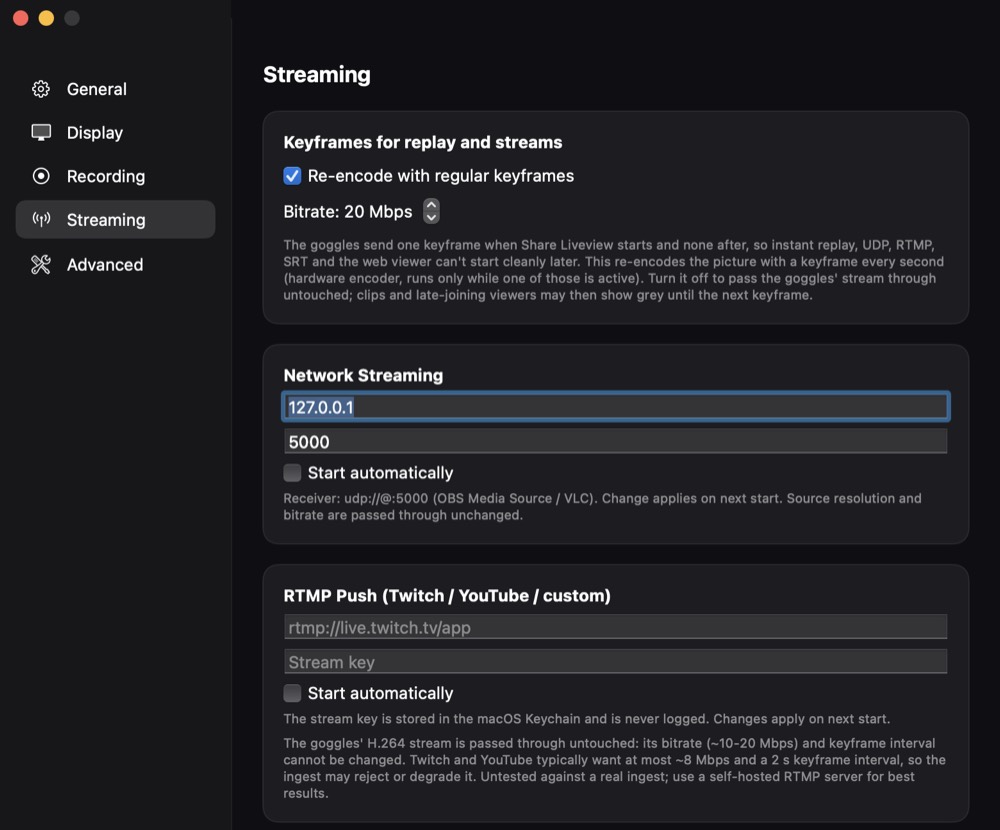
- One keyframe, everThe goggles send a single full picture when Share Liveview starts. Recordings and streams need regular ones, so the app re-encodes with the Mac's hardware encoder.
Claiming the USB interfaces needs root. So the app is split in two: a privileged helper daemon, registered with SMAppService, owns the USB device and runs the protocol, and the app talks to it over XPC, decodes with VideoToolbox and draws the picture.
Dead ends and bugs
From the project's own notes. Not everything worked, and some of it still doesn't.
- macOS's own network driver
- macOS attaches the goggles' network adapter as
en3/en4, reports “media inactive” and never gets an address. Its RNDIS stack is unusable, which is why the app carries its own driver. - A fixed session id
- Reusing the same session id broke keyframe delivery on reconnect. It is now random per connection, 1 to
0xFFFE. - Two parameter sets in one blob
- The SPS and PPS the decoder needs arrive together in one ~40-byte NAL, not as two. That broke an early attempt at gating the decoder.
- Asking for a keyframe
- DUML command
02:B3, “request I-frame”, retried every 1.5 s, does not reliably produce one. The research notes suspect it is sent in the wrong kind of packet; that is untested. The only reliable way is switching Share Liveview off and on in the goggles' menu. - The vendor control interfaces
- Commands to the goggles over interfaces 3 to 7 are rejected with status
0xE0, the same commands to the air unit get no reply, and four of those interfaces never wake. Only the Wi-Fi credential queries on interface 4 work. - Frame numbers wrap at 256
- In the Python prototype a lost fragment left a half frame behind, and a later frame with the same number merged into it: a corrupt picture. The Swift app drops entries older than about 5 frame numbers or 250 ms and counts the drop.
- A two-second gap
- Fixed in 0.9.1: a brief radio dropout re-armed the keyframe gate, which threw away every frame until a keyframe came, and none ever did. A pause loses no frames, so the stream now simply continues.
- Telemetry
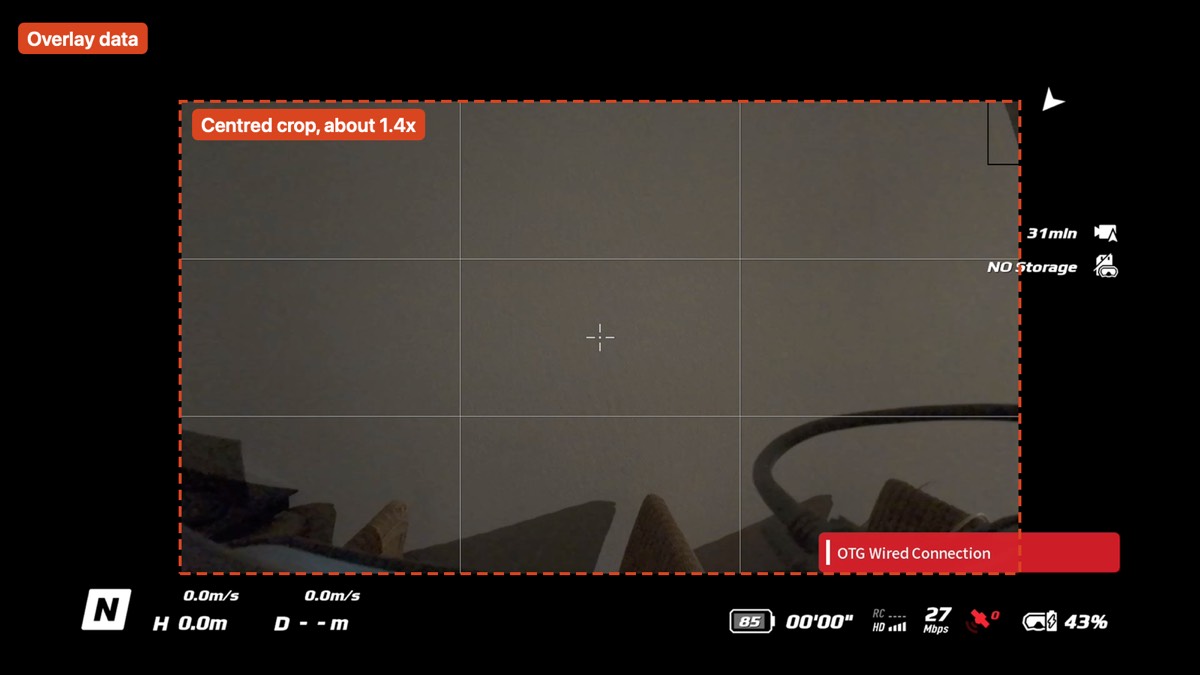
- The goggles send small packets about 10 times a second. In the captures they held flow control and a once-a-second heartbeat carrying the goggles' serial. Registering as DJI's app brought nothing new. The goggles' battery percentage is the only live reading; flight data isn't exposed over this connection.
| Offset | Size | Field |
|---|---|---|
| 0 | u16 LE | total length, top bit set |
| 2 | u16 LE | session id |
| 4 | u16 LE | sequence number |
| 6 | u8 | type: 00 handshake, 01 telemetry, 02 video, 04/06 ack |
| 7 | u8 | XOR of bytes 0 to 6 |
The handshake body, 40 constant bytes. With the header, that is the 48-byte packet that starts the video:
d0 e9 64 00 64 00 c0 05 14 00 00 0a 00 64 00 64
00 c0 05 14 00 00 64 00 14 00 64 00 c0 05 14 00
00 64 00 01 01 04 0a 02
Measuring 146 ms
Point the goggles at a stopwatch running on the Mac's own screen. The picture in the app shows an older time than the stopwatch does, and the gap is the whole delay: camera, air link, goggles, USB, decode, display.
Each reading is good to about one frame at 60 Hz, 17 ms. The app's own share of the total is a few milliseconds.
| Run | Stopwatch | In the app | Delay |
|---|---|---|---|
| 1 | 49.55 | 49.42 | 130 ms |
| 2 | 52.44 | 52.27 | 170 ms |
| 3 | 53.45 | 53.29 | 160 ms |
| 4 | 48.19 | 48.05 | 140 ms |
| 5 | 46.85 | 46.72 | 130 ms |
| Mean | 146 ms |
What it does with the picture
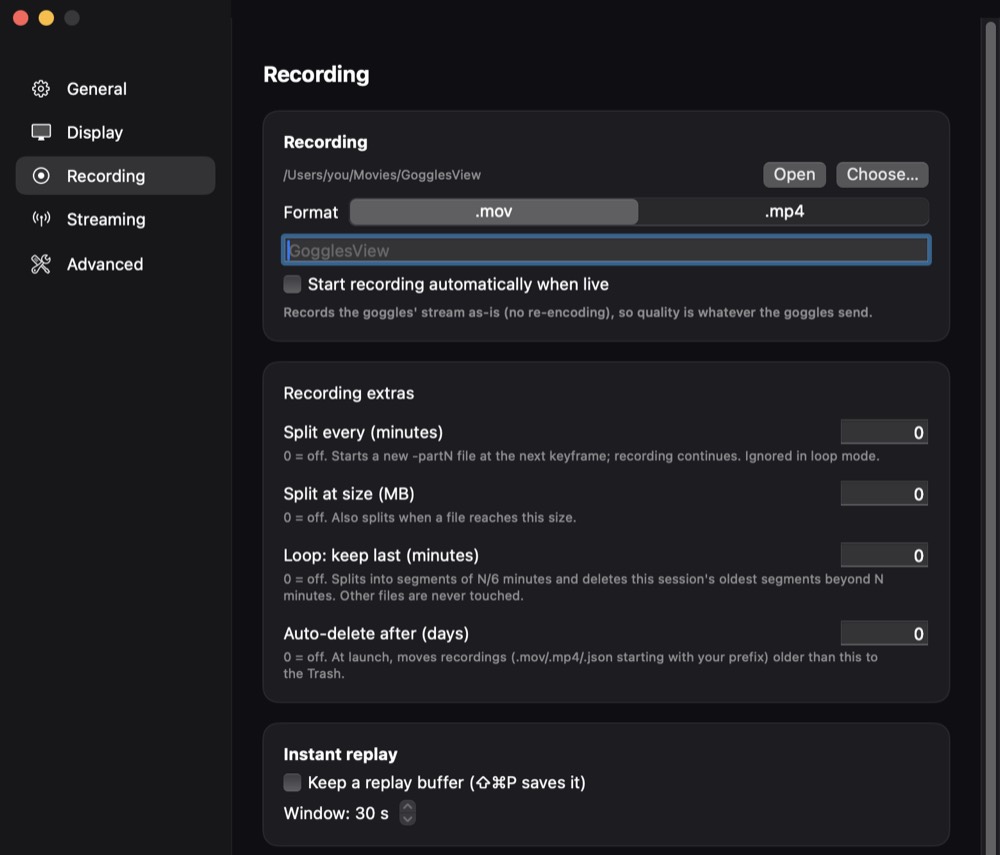
Records the stream exactly as the goggles send it, to .mov or .mp4, with no re-encode. Instant replay, loop recording, markers that become chapters, and a clip gallery that trims without re-encoding.
Sends it out five ways: UDP MPEG-TS, RTMP for Twitch or YouTube, SRT, a local web viewer (HLS) you open on a phone by scanning a QR code, and NDI, still experimental.
Gets out of the way for OBS: a chrome-less capture window, and obs-websocket control that starts recording and switches scenes when the goggles go live.
Stream keys and tokens live in the macOS Keychain. The app is in English, Italian, French and Dutch.
At an event
The live stream of the 24 uur loop, the 24-hour run in Leuven on 20–21 October 2026, ran on GogglesView.
For events with several goggles, one Mac runs one window per pair, an operator overview with a green, amber or red dot per feed, battery warnings at 25% and 10%, and an alarm for a black or frozen picture. Up to four HDMI program outputs, each a single feed or a grid with NO SIGNAL tiles, and a read-only status page for a phone.
The limit is the Mac's hardware encoder. Measured on an M1 Pro with software goggles at 1080p60:
| Goggles | Re-encode on | At 30 fps | Off |
|---|---|---|---|
| 1 | 60 | 60 | 60 |
| 2 | 59 | 60 | 60 |
| 3 | 47 | 60 | 60 |
| 4 | 37 | 60 | 60 |
| 6 | 27 | 52 | 60 |
About 150 encoded frames per second in total on that Mac: two goggles at 60 fps, or five at 30. Software numbers; the docs say to check them with real goggles.
Honest limits
Apple Silicon and macOS 14 or later only. Releases are signed but not notarized, so the first launch is right-click, Open. Live view, recording and the 60 fps path are tested on real goggles; the newer outputs (RTMP, SRT, NDI, multi-window) are unit-tested but have had little time on real hardware. A command-line receiver for Linux and Windows exists but hasn't met real goggles yet.
Not affiliated with DJI. The protocol was reverse-engineered for interoperability.
brew install --cask Kristian-Buriasco/gogglesview/gogglesview